
Securing and Enhancing WordPress Website Security: A Comprehensive Guide for Users and Site Administrators
Table of Content
- Why is WordPress Security So Important?
- Most Common Security Threats to WordPress Websites
- Complete WordPress Security Checklist
- What to Do If Your WordPress Site Is Hacked?
- Best Server-Level Security Practices for WordPress
Website security is one of the most important concerns for any website owner. This is especially true if your website is built with WordPress, as while WordPress is the most popular Content Management System (CMS) in the world, its popularity also makes it a more attractive target for attackers.
Why is WordPress Security So Important?
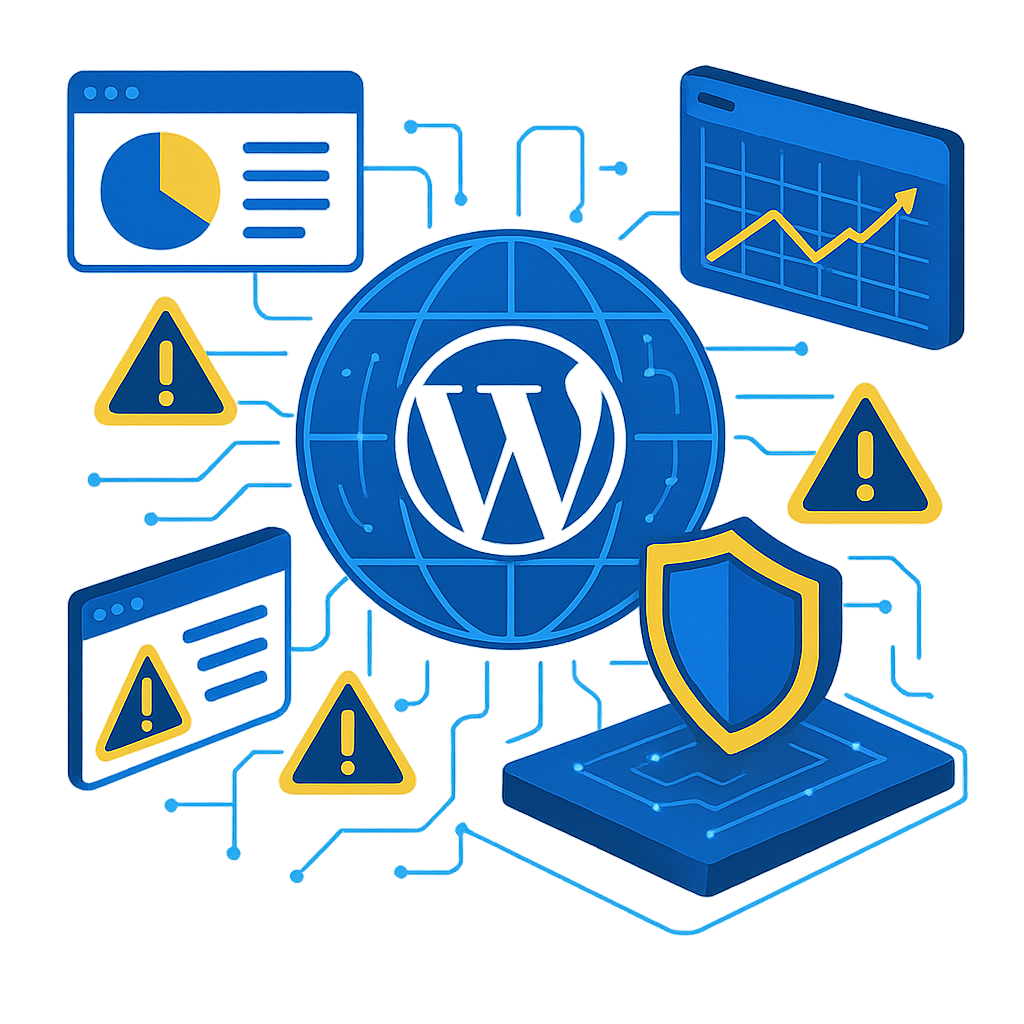
WordPress is secure by default, but its security isn’t 100% guaranteed. The main reasons for WordPress security vulnerabilities include:
1. High Popularity
Over 40% of all websites worldwide are built with WordPress. Any platform with this many users is an attractive target for hackers.
Numerous Plugins and Themes
The availability of thousands of plugins and themes is beneficial, but at the same time, each one can represent a security vulnerability.
3. Human Error
Many successful attacks on WordPress are due to incorrect configuration, weak passwords, or neglecting updates.
4. Insecure Server or Hosting
WordPress security isn’t limited to the content management system itself. If your hosting or server is insecure, your entire site is at risk.
Most Common Security Threats to WordPress Websites
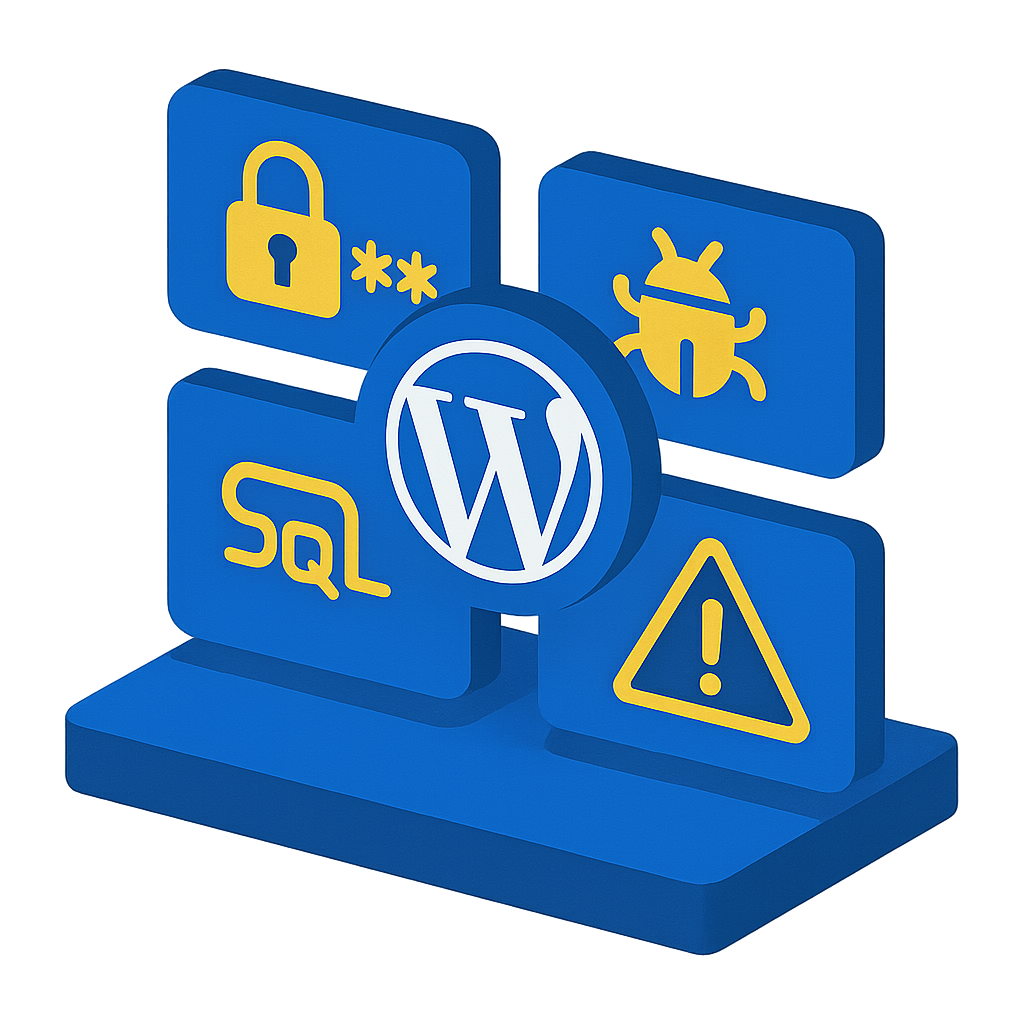
1. Brute Force Attacks (Password Guessing)
In this type of attack, the attacker attempts to gain access to your WordPress admin panel by trying thousands of passwords.
2. Malware
Hackers can inject malicious code to alter content, redirect users to other sites, or steal your site’s information.
3. SQL Injection
If vulnerabilities exist in plugins, it’s possible to inject SQL commands and gain access to the database.
4. Plugin/Theme Vulnerabilities
Many attacks are carried out through outdated, nulled, or poorly developed plugins.
5. DDoS Attacks
Sending a large volume of requests to a website to disrupt service and take it offline.
Complete WordPress Security Checklist
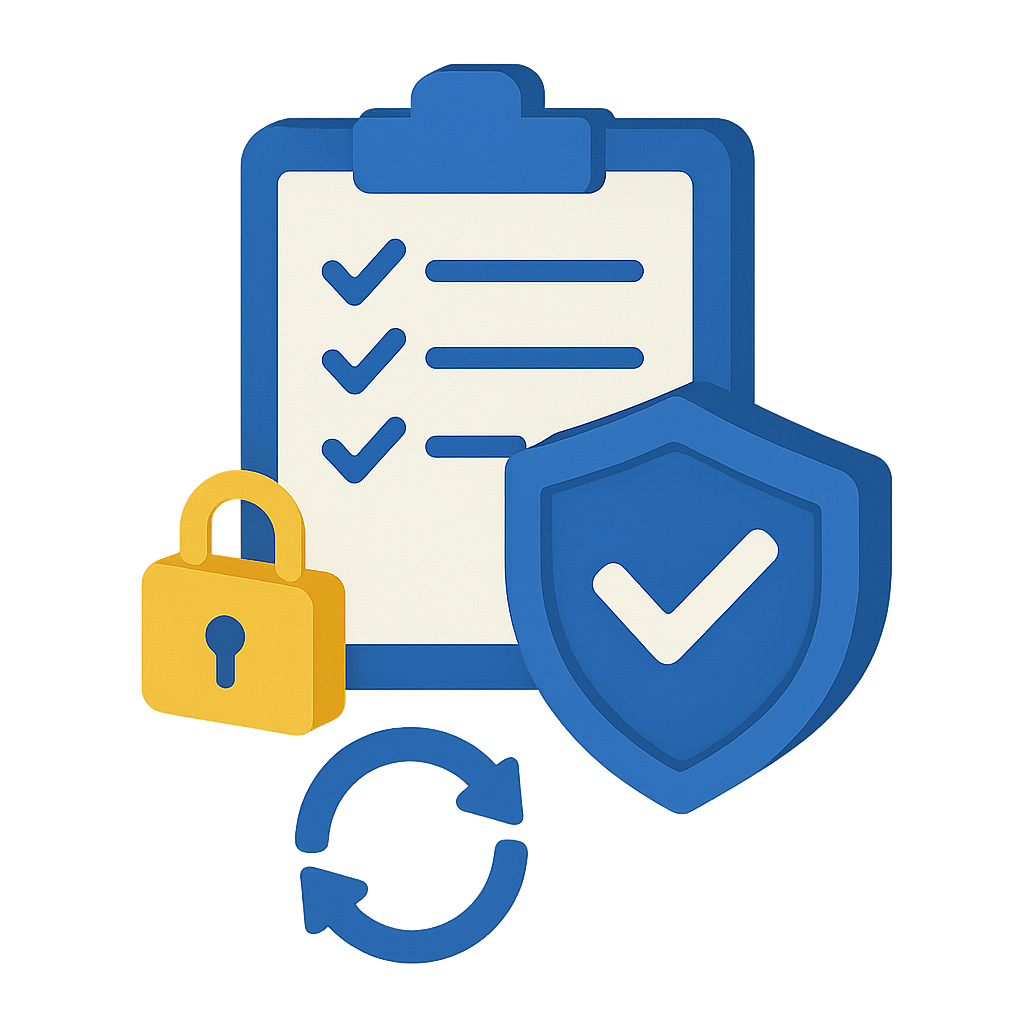
In this section, we’ve outlined the most important steps you should take to enhance your website’s security, step by step.
1. Always Keep WordPress, Plugins, and Themes Updated

Updates typically include bug fixes and security patches.
Failing to update makes it easier for attackers to gain access to your site.
Tips:
- If your site is highly sensitive, test updates first on a “staging site.”
- Strongly avoid installing nulled themes and plugins.
2. Choose a Strong Password for WordPress Management

Your password should include:
- Lowercase and uppercase letters
- Numbers
- Symbols
- At least 12 characters
It is recommended to use tools like a Password Manager.
3. Use Two-Factor Authentication (2FA)

2FA reduces the likelihood of unauthorized access to the administrator account to almost zero.
Recommended plugins:
- Wordfence Login Security
- Google Authenticator
4. Limit Login Attempts
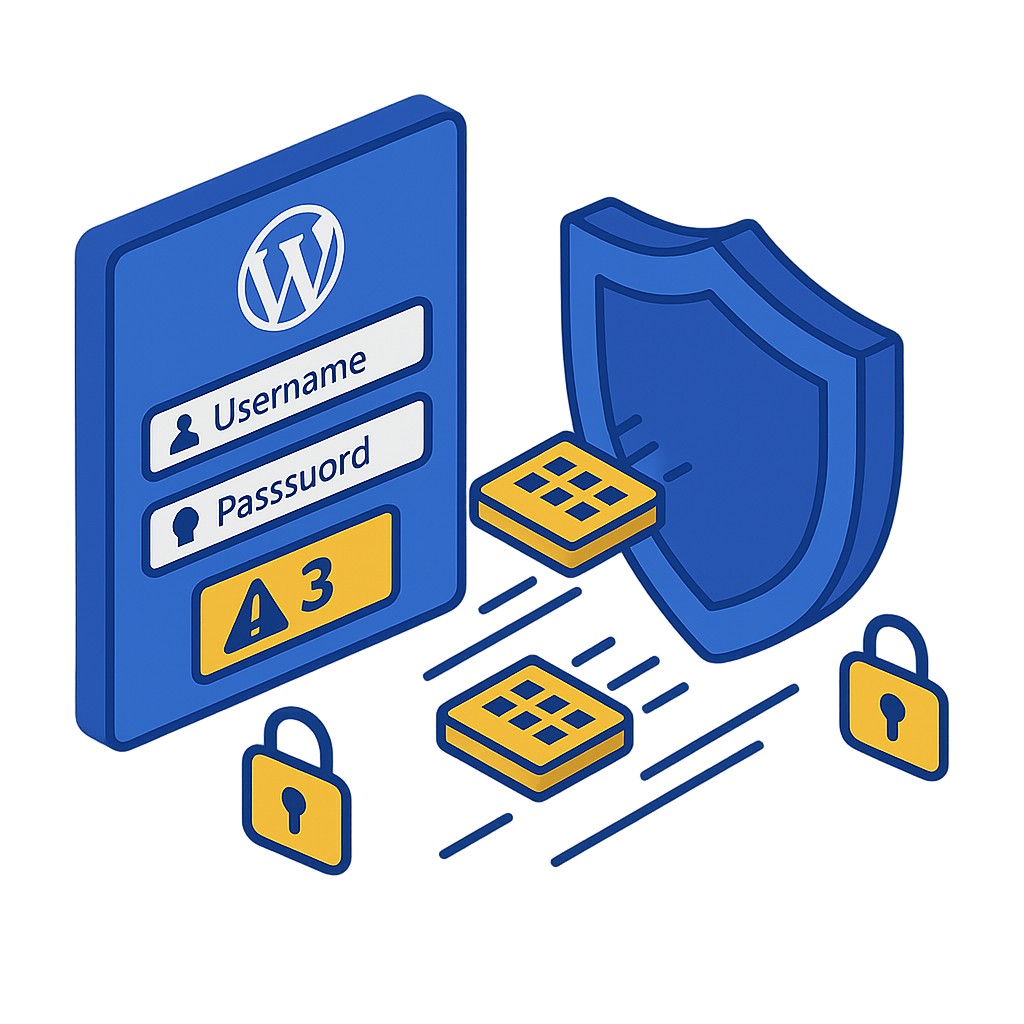
Limit the number of incorrect login attempts to prevent Brute Force attacks.
Useful plugins:
- Limit Login Attempts Reloaded
- iThemes Security
5. Install a Reputable Security Plugin

Here are some powerful plugins that monitor and protect your website:
- Wordfence Security
- Sucuri Security
- All in One WP Security & Firewall
These plugins offer features such as malware scanning, firewall protection, file monitoring, and brute-force attack limitation.
6. Hiding Your WordPress Login Page
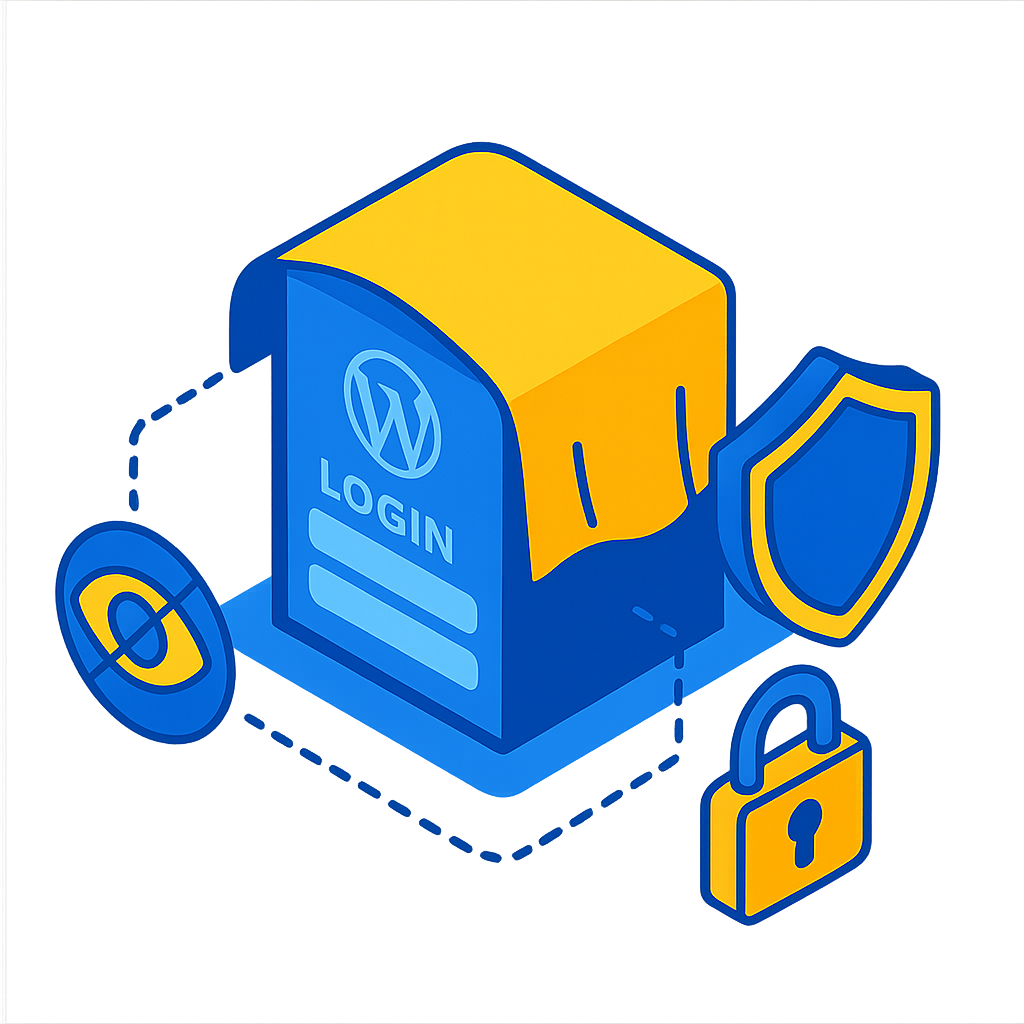
The default route /wp-login.php is well-known and a primary target for malicious bots.
You can change the route to something like:yourdomain.com/my-login-panel
7. Using SSL / HTTPS

Using SSL encrypts the data transmitted between the user and the server. This not only improves SEO but also significantly increases website security.
8. Enabling a Web Application Firewall (WAF)
A Web Application Firewall (WAF) can block suspicious requests before they reach your website.
There are two main types of firewalls:
- WordPress Plugin Firewalls (Wordfence, etc.)
- Server-Level Firewalls (Cloudflare, Imunify360, CSF)
9. Setting File and Folder Access Permissions
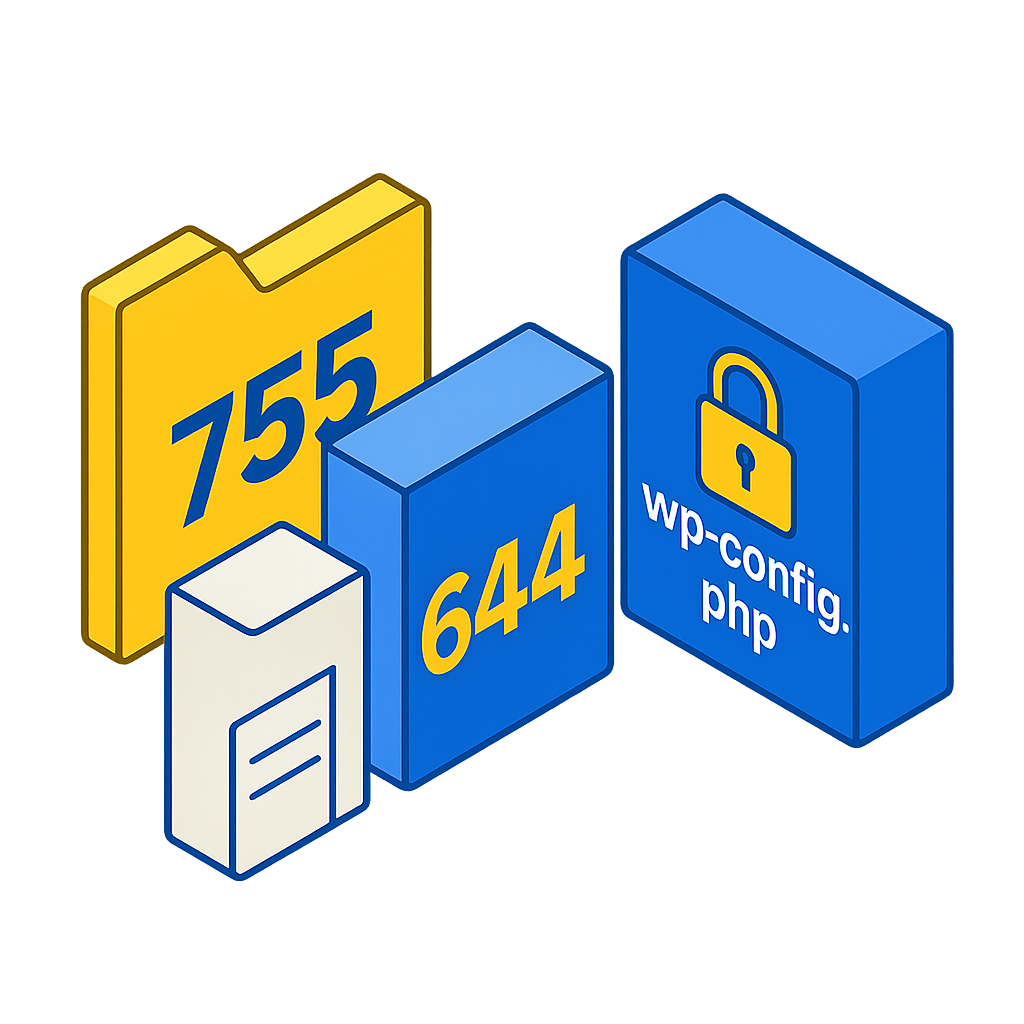
Best Permissions for WordPress Files and Folders:
- Folders: 755
- Files: 644
- wp-config.php File: 600
This prevents unauthorized access to your files by other users on the server.
10. Disabling the WordPress Internal File Editor
WordPress allows file editing through the dashboard. It’s best to disable this feature:
Add to your wp-config.php file:
define( 'DISALLOW_FILE_EDIT', true );
11. Regular Website Backups
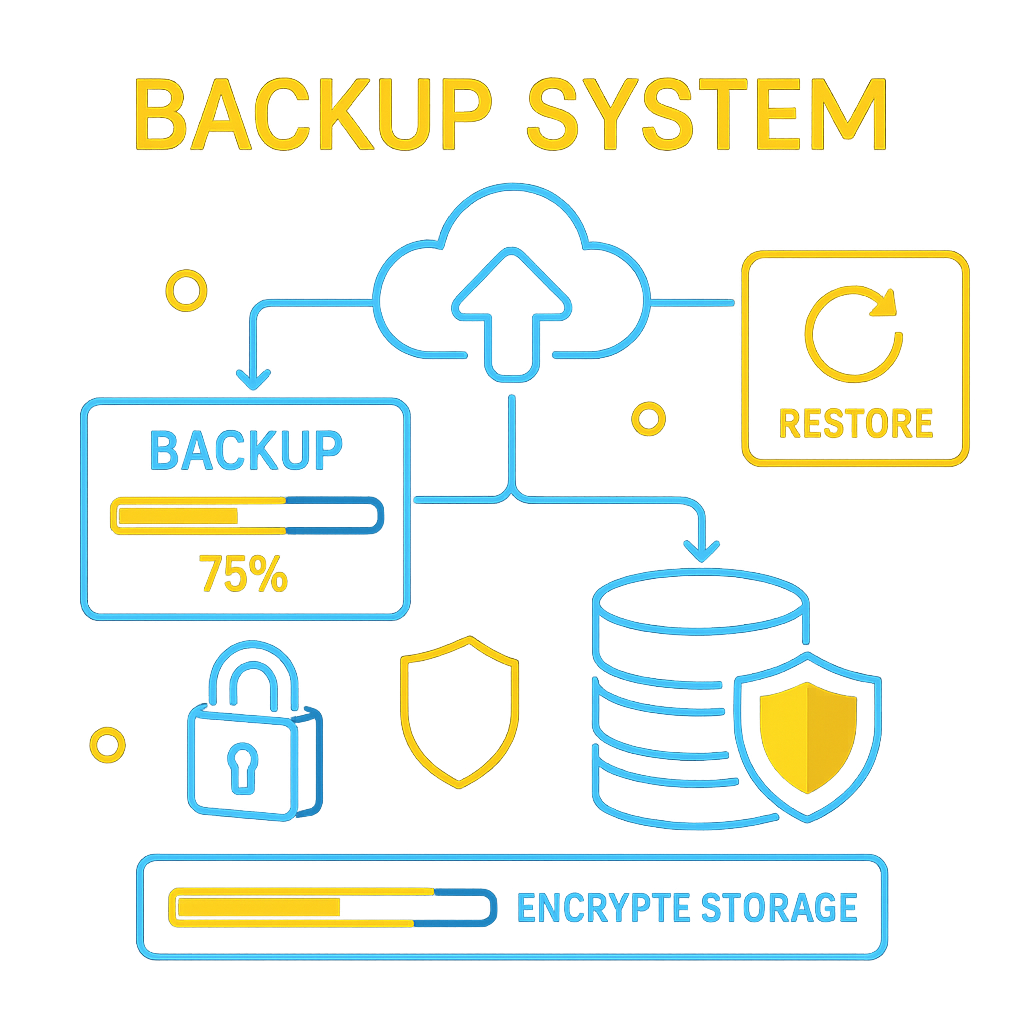
For true security, backups should be stored both off-server and on a regular schedule.
Suitable tools:
- UpdraftPlus
- JetBackup (on your hosting account)
- Softaculous Backup
What to Do If Your WordPress Site Is Hacked?
If your site has been hacked, the most important thing is to remain calm. By following the steps below, you can regain control and restore your site.
1. Block Access and Change Passwords
The first thing you should do is:
- Change your WordPress password
- Change your hosting or control panel password
- Reset your database password (if necessary)
2. Scan and Clean Malware
Use security plugins to identify infected files:
- Wordfence Scan
- Sucuri Malware Scanner
In infected files, you will usually find unfamiliar, encoded, or strange code.
3. Check WordPress Core Files
In many hacks, the Core files are modified.
Solution:
Reinstalling the WordPress Core (without deleting content) will fix the problem.
4. Review WordPress Users
Sometimes hackers create a new user account with the Administrator role.
Check the Users section.
5. Database Cleanup
Some malware injects malicious code into database tables.
Areas to check include:
- The options table
- The posts table
- The users table
6. Re-activate the Site and Security Monitoring
After cleanup:
- Enable the firewall
- Review the log changes
- Monitor site behavior for a few days
Best Server-Level Security Practices for WordPress
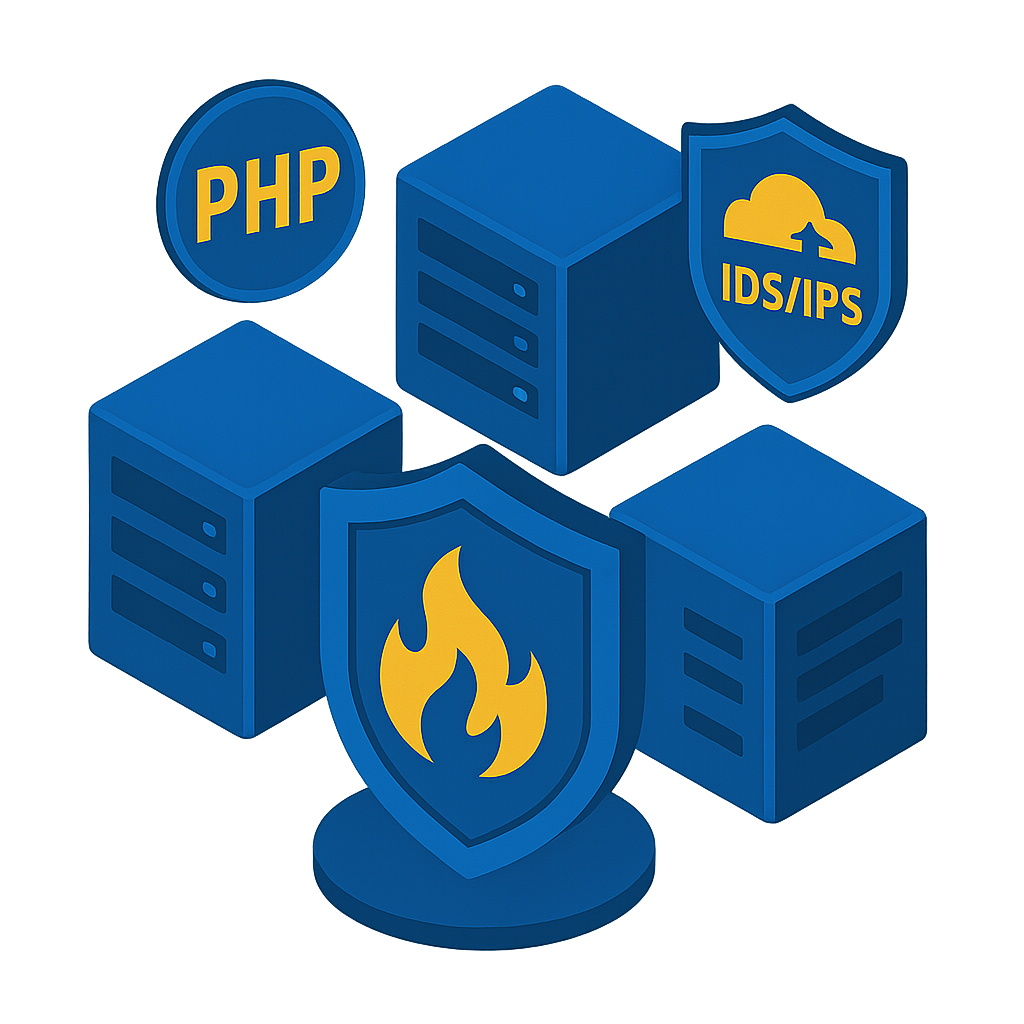
1. Using WordPress Hosting or an Optimized Server
A standard server should be equipped with the following:
- Hardware/Software Firewall
- Anti-Malware (Imunify360 or Maldet)
- Intrusion Detection and Prevention System (IDS/IPS)
2. New PHP Version Support
Older PHP versions contain security vulnerabilities.
3. Utilizing Cloudflare
Benefits:
- DDoS Protection
- Web Application Firewall
- Bot Behavior Detection
- Increased Speed
4. ModSecurity Activation
It is one of the most effective security tools for Apache and LiteSpeed servers.
WordPress security is not a one-time task. It is an ongoing process. By following simple guidelines such as updating, choosing strong passwords, using security plugins, and configuring your server, you can significantly increase your website’s security.