WordPress Security Checklist for Site Owners
- Ali GhanimatiAuthor
- Last updated
- 2 minutesReading time
- 294Views
- Ali Ghanimati
- Last updated:
- 2 min read
- 294 views
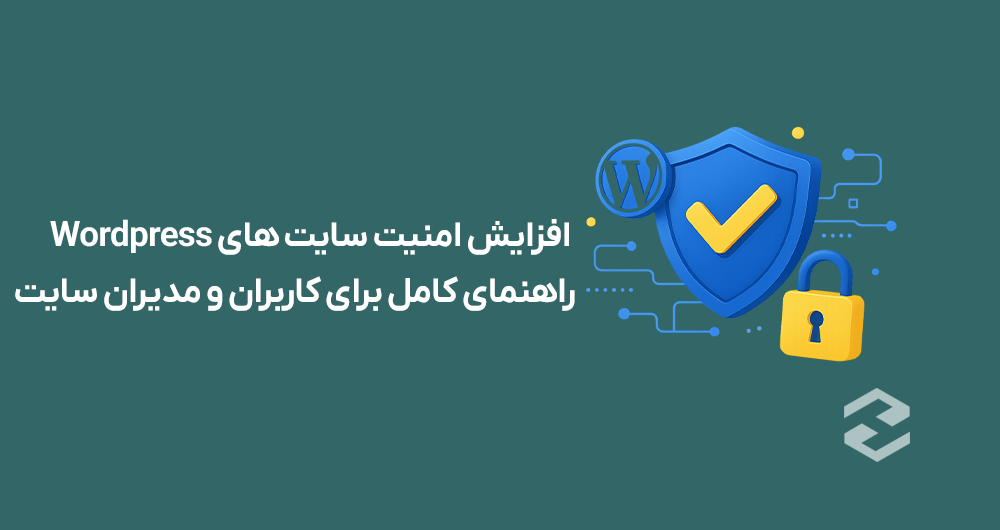
Site owners need to maintain security across accounts, hosting, themes, and plugins. An exposed administrator password and a vulnerable extension give attackers different paths to the same site. A good routine covers prevention and recovery.
List who administers the site, where backups live, and who can access hosting if the dashboard fails. Assign responsibility for reviewing accounts, applying updates, and testing restores.
Review access
Give people individual accounts with the least privilege they need. Remove former users, use strong unique passwords, and enable two-factor authentication where supported for WordPress and hosting. Serve sign-in and admin traffic over HTTPS and use SFTP for files.
Maintain WordPress and its extensions
Use sources you trust for core, themes, and plugins. Remove unused components and update active ones promptly. For critical sites, test on staging, keep a rollback path, and check logins, forms, and orders after an update. WordPress hardening guide.
Verify recovery
Back up files and the database, keep a separate copy, and prove that it restores. If you find unfamiliar admins, unexpected file changes, or redirects, preserve logs and a copy, limit access, and engage your host. Rotate exposed credentials from a trusted device and investigate the intrusion before restoring normal service. WordPress incident guidance.