HiBlog VPS and Dedicated Servers
What Is Server Virtualization? VMs, Containers, and Trade-Offs
- Mina SeyfollahiAuthor
- Last updated
- 1 minuteReading time
- 314Views
- Mina Seyfollahi
- Last updated:
- 1 min read
- 314 views
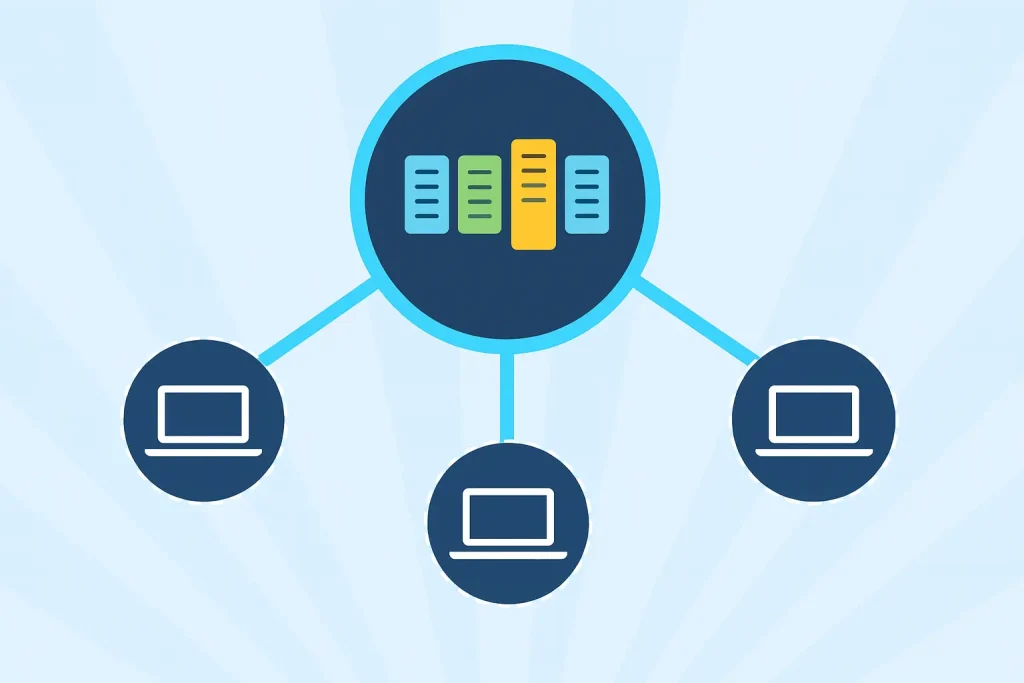
Server virtualization lets one physical machine run several virtual environments. A hypervisor provides virtual hardware and distributes access to physical CPU, memory, storage, and network devices. Each virtual machine can run its own guest operating system.
This lets teams consolidate workloads and reproduce test environments. Capacity planning still matters. Several guests can compete for the same physical device, and a host failure can affect everything running on it unless the service is designed for recovery.
Virtual machines and containers
A VM starts a guest OS with its own kernel. A container packages an application and typically shares the kernel of its host environment. Containers can be lightweight, while VMs support different guest operating systems and offer a different isolation boundary. Teams commonly run containers inside VMs. QEMU system emulation and Docker basics.
What to plan
Estimate CPU, RAM, usable storage, network throughput, and I/O under simultaneous load. Decide which workloads can share a host and what must be isolated. Understand whether snapshots capture data consistently and keep tested backups outside the failed host. For critical services, plan how you will replace the environment and get traffic to it after a failure.